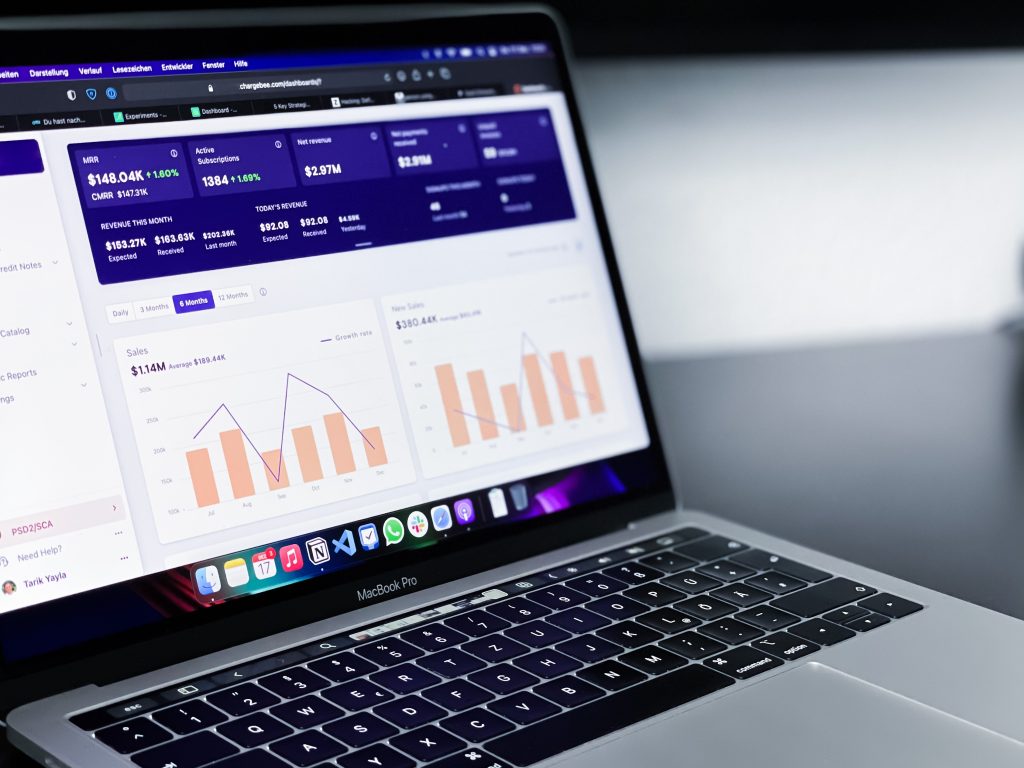
Photo by Lukas Blazek on Unsplash
As we navigate through 2026, your website remains the single most important asset in your digital arsenal. It is your 24/7 salesperson, your shop front, and your primary lead generator. However, many UK small business owners treat their website like a "set and forget" project. This complacency often leads to what we call the "Invisible Leak": where potential customers arrive at your site, find a point of friction, and leave without a trace, likely heading straight to a competitor.
If your enquiries have stalled or your bounce rate is climbing, it is time to contemplate whether your website is working for you or against you. Conducting a simple website audit doesn't require a degree in computer science. By following this structured checklist, you can identify the gaps and prioritise the fixes that will transform your site into a high-performing conversion engine.
1. Master the Core Web Vitals
In 2026, speed is no longer just a luxury; it is a fundamental requirement for search engine visibility and user retention. Google’s Core Web Vitals are the metrics that measure real-world user experience.
- Largest Contentful Paint (LCP): This measures how long it takes for the main content of your page to load. Aim for under 2.5 seconds.
- Interaction to Next Paint (INP): This is the new standard for responsiveness. It measures how quickly your site reacts when a user clicks a button or interacts with a menu. Aim for under 200ms.
- Cumulative Layout Shift (CLS): Ensure your page is stable. There is nothing more frustrating for a user than trying to click a link only for the page to jump, causing them to click an advert instead. Aim for a score of less than 0.1.
Action Step: Use Google PageSpeed Insights to record your baseline. If your scores are in the red, focus on optimising heavy images and reducing unnecessary third-party scripts.
2. Prioritise Mobile Responsiveness
With the majority of UK searches now taking place on mobile devices, your mobile site is actually your primary site. A "responsive" design that simply shrinks your desktop layout is often not enough.
Open your website on a smartphone right now. Can you read the text without zooming? Are your buttons large enough to tap with a thumb? Ensure that phone numbers are tappable, allowing mobile users to call you directly with one click. If your mobile navigation menu (the "hamburger" menu) is clunky or overlaps with your logo, you are losing leads.
3. Clear Calls to Action (CTAs) and Navigation
Your website visitors should never have to wonder what to do next. Whether you want them to book a consultation, download a guide, or make a purchase, your Call to Action must be unmistakable.
- The 5-Second Test: If someone looks at your homepage for five seconds, can they tell exactly what you do and how to contact you?
- Sticky Navigation: Consider a header that stays at the top of the screen as users scroll, keeping the "Contact Us" or "Get a Quote" button visible at all times.
- Limit Menu Items: Avoid overwhelming visitors with twenty different menu options. Use a logical hierarchy and group related pages to keep the user journey frictionless.
For more on streamlining your strategy, explore our ultimate guide to effective marketing.
4. Visibility of Contact Info and Trust Signals
Trust is the currency of the internet. If a potential client cannot easily find your contact details or evidence of your expertise, they will hesitate to engage.

Ensure your SSL certificate is active (the padlock icon in the browser bar). A "Not Secure" warning is a death sentence for conversions. Beyond security, you must leverage trust signals:
- Reviews & Testimonials: Embed Google Reviews directly or feature high-impact client quotes.
- Accreditations: Display logos for industry bodies or certifications relevant to the UK market (e.g., ISO, Checkatrade, or professional institutes).
- Footer Details: Under UK law, your website footer should include your company registration number, registered address, and VAT number (if applicable).
5. Form Functionality and Technical Hygiene
It sounds simple, but you would be surprised how many business owners discover their contact forms have been broken for months.
- Test Your Forms: Submit a test enquiry today. Does the email reach your inbox? Does the user see a "Thank You" message?
- Broken Links: Use a free tool like Screaming Frog or Ahrefs' Broken Link Checker to find 404 errors. Every broken link is a dead end for a customer.
- Image Optimisation: Ensure your images are in modern formats like WebP. Large, uncompressed JPEGs are the primary cause of slow load times on small business sites.
6. Accessibility Basics
Inclusivity is essential. Ensure your website is usable for everyone, including those with visual impairments.
- Alt Text: Every image should have descriptive alt text.
- Colour Contrast: Ensure your text stands out clearly against its background.
- Logical Headings: Use H1, H2, and H3 tags correctly to help screen readers (and Google) understand your content hierarchy.
Mastering these basics is part of a broader SEO strategy. You can find more specific advice in our guide to essential SEO tips for UK businesses.
Stop Guessing, Start Improving
Conducting a manual audit is a great first step, but it only scratches the surface. At The Digital Academy, we specialise in deep-dive digital assessments that look beyond the surface level of your website to analyze your entire online presence: from Google Search performance to your PPC efficiency.
We provide a comprehensive, real-time score across six key digital areas and deliver a personalised action plan to boost your performance from average to authoritative. Our assessment is completely free, with no obligations and no "stepping on toes" of your existing teams.
Take your free Digital Marketing Assessment today and see exactly where your website is losing leads: and how to fix it.