



Before launching an AI-built business website, verify its facts, test the published pages and complete the main customer journey yourself. A polished preview cannot tell you whether the business claims are true or whether a customer can actually book, buy or enquire.
Tools such as Figma Make can turn prompts into interactive websites and support further editing. That makes a useful starting point. The launch decision still needs someone who knows the business to check what has been created.
Start with the sentences only you can verify
Read the site as a customer deciding whether to trust you. Highlight prices, opening hours, service areas, qualifications, guarantees and delivery promises. Match each claim to something real: your current price list, operating hours, booking system or approved service description.
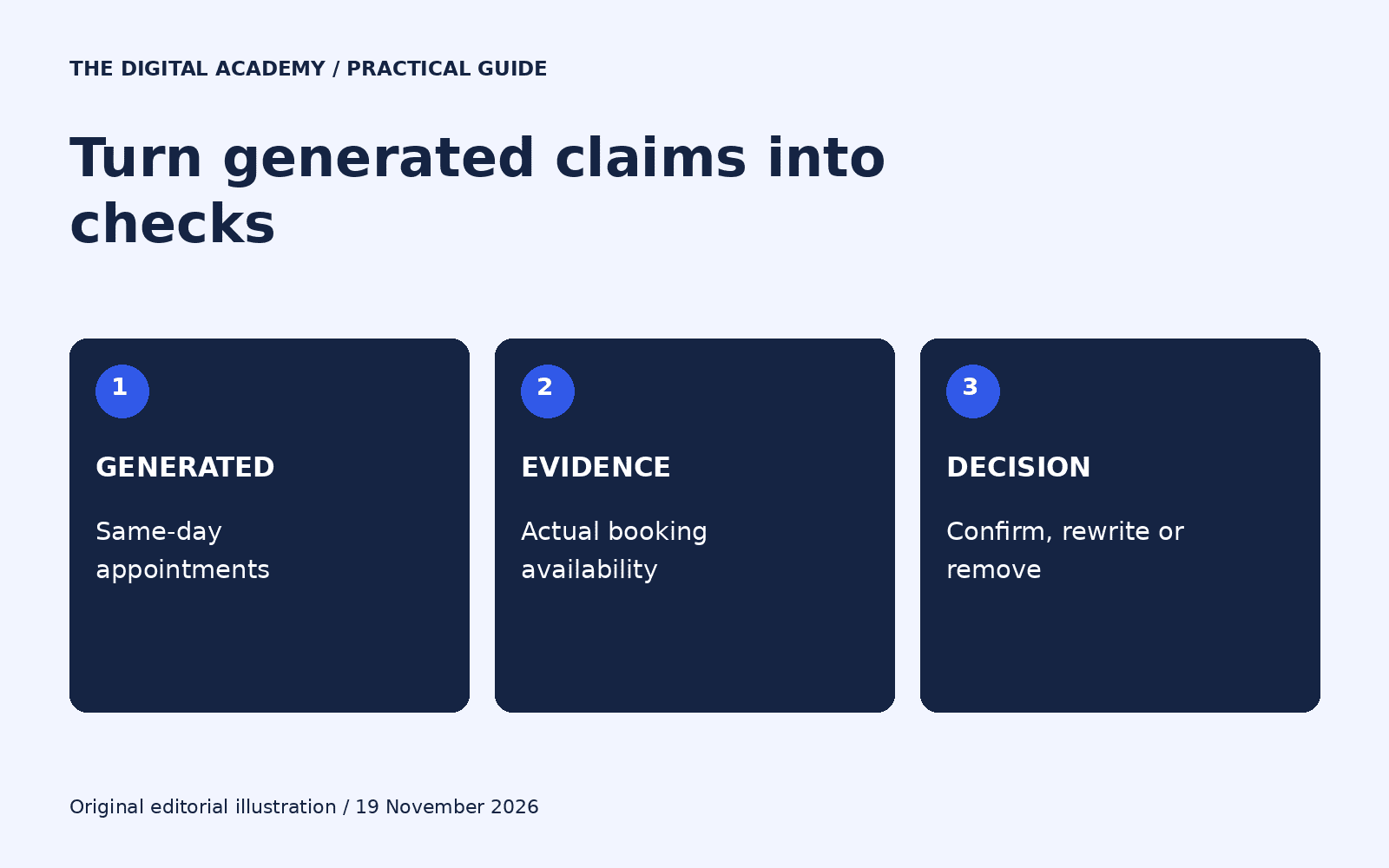
“Appointments available today” is not harmless filler if the next slot is a fortnight away. Nor is a generated testimonial a usable placeholder. Remove invented names, reviews, awards and figures before sharing a public link.
Google’s guidance on AI-generated content emphasises accuracy, quality and relevance. Apply that review to the less visible text too, including page titles, descriptions and image alt text. A convincing heading cannot rescue inaccurate business information.
Check the live address, not just the preview
Open each important page directly in a private browser window. Check that it works without your editor login, has the intended address and displays the correct content. A menu item that moves to a section is different from a separate service page; decide which your customers need.
For a Brighton business serving surrounding towns, confirm that every location mentioned reflects an area you actually cover. Avoid asking a generator to fill dozens of near-identical town pages simply to make the site look bigger.
Check the publishing settings with whoever manages the build. Google’s minimum technical requirements include accessible pages, a successful response and indexable content. Meeting those requirements makes a page eligible; it does not guarantee indexing. Use Search Console’s URL Inspection for important pages once they are public.
Give one customer task a clear finish
Pick the main action: request a quote, book an appointment or place an order. Follow it on a phone, starting from the homepage. Look for misleading button labels, unreadable text, hidden charges or a next step that opens the wrong destination.
Try the form with a missing required field, then submit a clearly labelled test enquiry. Check both the customer confirmation and the receiving inbox. W3C’s form guidance calls for useful feedback on success and errors. “Something went wrong” gives people little help; tell them which field needs attention and how to fix it.
This is a functional check, not a complete accessibility audit. Include keyboard use and readable layouts in your wider review, and arrange specialist testing where the project needs it.
Keep a short acceptance record
Use three columns: claim or feature, evidence checked, and decision. Assign unresolved items to a named person. Mark each as a launch blocker, a correction needed before paid promotion, or a later improvement.
An unsupported guarantee is a blocker. A broken enquiry route is a blocker. Choosing between two equally clear introductory headings can wait. Repeat the affected checks after changes; an earlier successful test does not cover a later version.
Questions before you launch
Does Google reject websites because they use AI?
No blanket rejection follows from using AI. Review the usefulness and accuracy of the content and whether the site meets Google’s requirements. AI use does not remove those responsibilities.
Can an automated audit approve the whole website?
No. An automated scan can highlight issues, but it cannot confirm your promises or replace a real enquiry test. Someone still needs to review the evidence and decide what is ready.
Get a useful starting point
Run TDA’s free marketing audit for findings from a sample of publicly available pages. Use the saved report alongside your manual checks, then book the optional call if you want help choosing what to fix first.

