



Fix a broken internal link by correcting the link on the page that contains it, then deciding what should happen to the old address. Restore an accidentally removed page, redirect a genuinely replaced page to its closest equivalent, or remove a link that no longer serves a purpose.
Start with the journey that matters
An audit can produce a long list of URLs, but not every item interrupts the same task. Start with links from your navigation, contact routes, service pages and current campaigns. Then work through links in older articles. A missing enquiry destination deserves attention before a forgotten reference in a historical post.
Record the page containing the link, its clickable wording, the destination and what happened when you opened it. This separates a broken destination from the places that need editing. One deleted page can create many reported errors.
Choose the repair from the reason
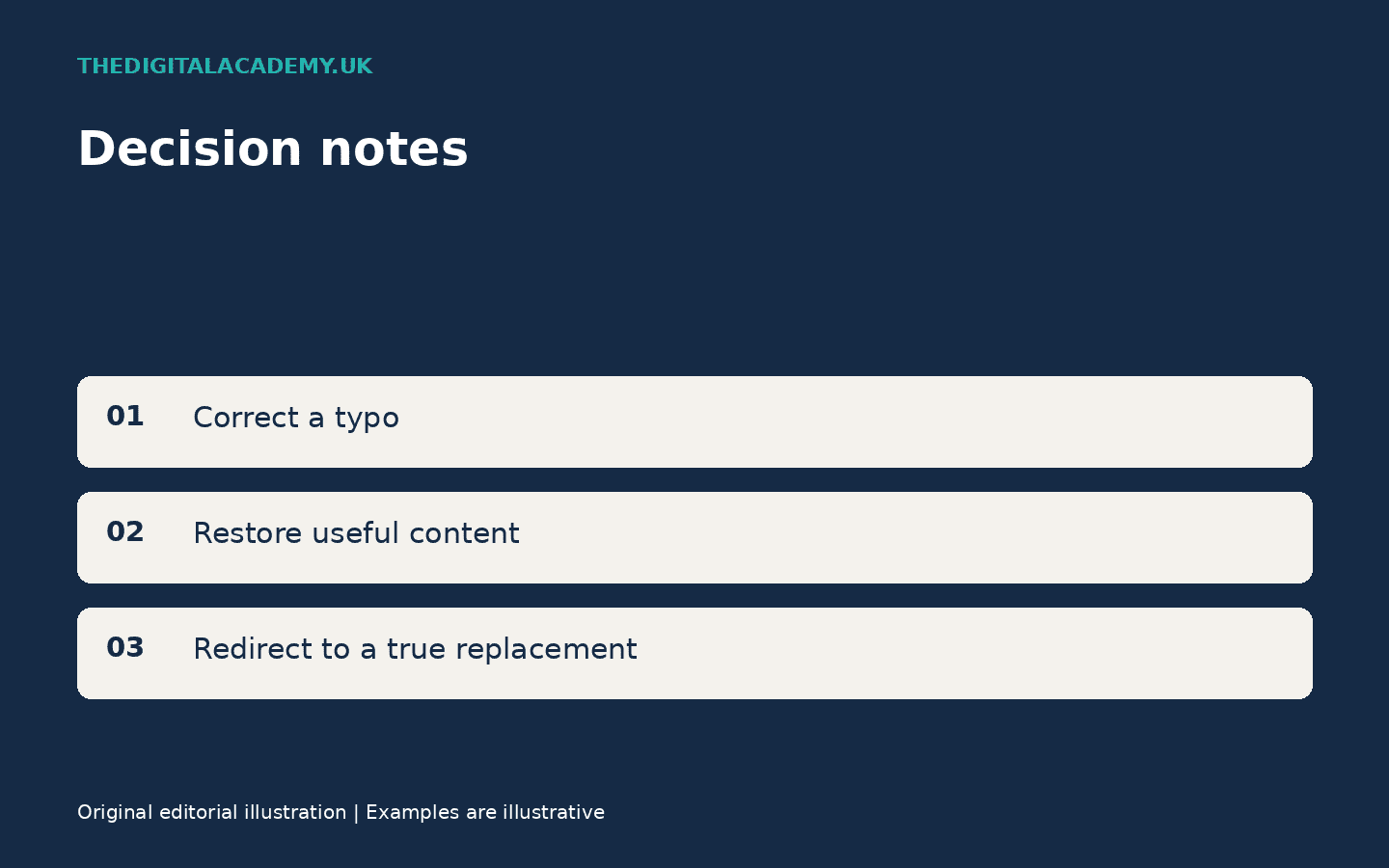
A typo needs a corrected address. An accidentally deleted service page may need restoring. A service replaced by a new offering may justify a permanent redirect to the relevant replacement. A discontinued offer without an equivalent needs an honest explanation or removal of the old link.
Do not send every failed address to the homepage. Someone looking for a particular service still needs an answer about that service. A general landing page can hide the error while leaving the original need unresolved.
Reference: Google Search Central guidance.
Update the source link as well
A redirect helps old bookmarks and external links reach a new destination. It does not replace maintaining your own pages. Update internal links to the final address so users and crawlers do not need to travel through an avoidable hop.
Google recommends crawlable links with useful anchor text. Use ordinary linked text that describes the destination, such as “bookkeeping services”, rather than relying on a script-only interaction or a repeated “click here”.
Check a fictional repair
Suppose an old article links to /services/website-check, but the current page is /website-audit/. First confirm that the new page genuinely replaces the old offer. Add the appropriate redirect, update the article link, then follow it on a phone.
Check the final page loads, the description still matches the link, and the next step works. A successful HTTP response is useful evidence, but it does not prove the content is helpful or that an enquiry reaches the right inbox.
Keep a small repair log
For each change, record the owner, old address, chosen action, replacement and test date. Recheck after menu changes, redesigns and service updates. Keep an accessible error page for addresses that genuinely no longer exist.
Will fixing every link guarantee higher rankings? No. This is basic site maintenance that improves access to useful pages; it is not a ranking promise. Start with the links that help customers complete something important.
Put the next step into practice
Start with a free TDA audit of sampled public website pages, then review the findings alongside this checklist. A full manual check may still be needed.


