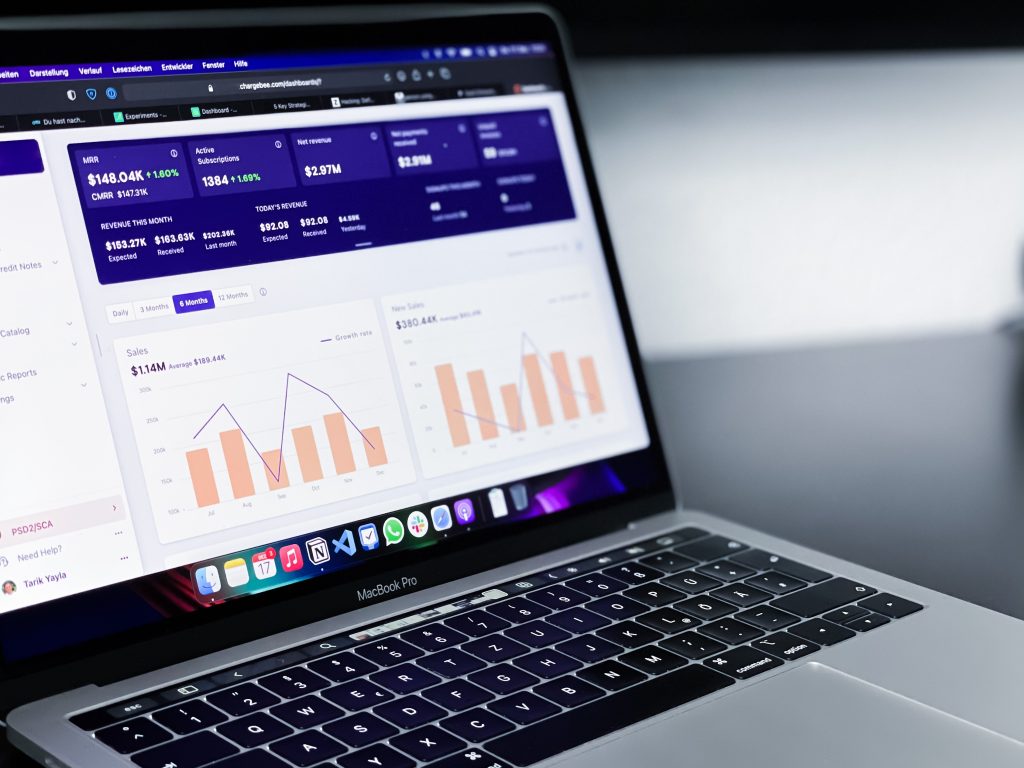
Photo by AltumCode on Unsplash
Let's be honest, your website might be silently sabotaging your conversions right now. You're investing in ads, creating brilliant content, and perfecting your offers, but if your site's loading like it's stuck in 2016, you're essentially throwing money into a black hole.
Here's the thing: e-commerce sites that optimise to "good" Core Web Vitals thresholds see conversion rate improvements between 15-30%. That's not a marginal gain, that's transformational. Add bounce rate reductions of 20-50% and organic traffic growth of 12-25% over 3-6 months, and you've got a compelling case for taking website performance seriously.
What Are Core Web Vitals, Actually?
Core Web Vitals are Google's way of measuring what users genuinely experience when they land on your site. Think of them as health metrics for your website's user experience. There are three that matter in 2026:
Largest Contentful Paint (LCP) – How quickly your main content loads. You want this under 2.5 seconds. If visitors are staring at a blank screen or watching text awkwardly appear, they're already mentally clicking away.
Interaction to Next Paint (INP) – How responsive your site feels when people click buttons, tap links, or interact with forms. Nothing's more frustrating than clicking something and waiting… and waiting… for it to actually respond.
Cumulative Layout Shift (CLS) – Whether your page jumps around whilst loading. You know that annoying thing where you're about to click a button and suddenly an ad loads and you tap something else entirely? That's what CLS measures, and it's infuriating for users.
Photo by Luke Chesser on Unsplash

The Real Cost of a Slow Website
Beyond Google rankings (which absolutely do get impacted), slow performance costs you actual revenue. Users in 2026 expect smooth, stable experiences. They've been trained by sites like Amazon and Netflix to expect instant gratification. Your boutique site loading like a slideshow? They're gone before you can say "conversion funnel."
Consider this: every additional second of load time can drop your conversion rate by 7-10%. For a UK e-commerce business doing £500,000 annually, that's potentially £35,000-£50,000 lost to poor performance. Suddenly, spending time on a performance audit doesn't seem so tedious, does it?
Your 2026 Core Web Vitals Audit (Step-by-Step)
Right, let's get practical. Here's exactly how to audit your website's performance properly.
Step 1: Establish Your Baseline
You need multiple tools because each tells you something slightly different:
Google Search Console – This shows real user data from your actual visitors. It's the most critical for understanding ranking impact because it reflects genuine UK users on actual devices with real internet connections.
PageSpeed Insights – Provides both lab data (controlled testing) and field data (real users) with specific, actionable recommendations. Pop your URL in, and you'll get concrete fixes.
Chrome UX Report (CrUX) – Lets you compare your performance against competitors in your sector. Are you slower than everyone else in the UK retail space? This'll tell you.
Real User Monitoring (RUM) – Tools like SpeedCurve, Sentry, or New Relic offer continuous monitoring. They're brilliant if you're serious about maintaining performance long-term.
For most UK small businesses, starting with PageSpeed Insights is perfectly adequate. Just make sure you test both mobile and desktop: most of your traffic is probably mobile anyway.
Step 2: Understand Your Scoring
Performance scores run from 0-100:
- 90+: Excellent: your site's performing brilliantly
- 50-89: Okay, but there's room for improvement
- Under 50: Needs serious attention immediately
Don't obsess over hitting 100. Realistically, 85-95 is brilliant for most business sites. Chasing that perfect score often means removing features that actually help conversions. Focus on crossing the "good" thresholds for each Core Web Vital instead.
Step 3: Identify Your Weak Points
Tools like Lighthouse and PageSpeed Insights pinpoint exact issues. Common culprits include:
Hosting optimisation – Your £3.99/month shared hosting might be costing you thousands in lost conversions. UK businesses should consider UK-based hosting for local speed advantages.
Image compression – Those massive product photos? They're killing your LCP. Use WebP format and properly sized images.
Unnecessary scripts – Every plugin, tracker, and widget adds weight. That Facebook pixel, heatmap tool, and abandoned cart tracker? They all slow things down. Be ruthless about what you actually need.
Layout stability – Reserve space for ads, images, and dynamic content so nothing shifts about whilst loading. Your users will thank you.
How Often Should You Actually Audit?
The frequency depends entirely on your business model:
Monthly checks – Essential for e-commerce sites, news/blog sites with frequent publishing, or if you're constantly adding plugins and features.
Quarterly audits – Fine for smaller brochure sites that rarely change. Think of local tradespeople or professional services with static content.
Always after major changes – Redesigns, platform migrations, new CMS installations, URL structure changes, or bulk content uploads can dramatically impact performance. Check immediately afterwards.
Daily monitoring – High-traffic e-commerce should consider automated monitoring with alerts. If your site suddenly slows down during peak season, you want to know immediately.
For most UK businesses, auditing every 4-6 weeks catches issues before they significantly impact rankings or conversions. Add it to your monthly marketing tasks checklist.
E-Commerce Specific Considerations
If you're selling online, performance optimisation has the clearest ROI. Here's what to prioritise:
Product page LCP – Target under 2.0 seconds. Your main product image should load instantly. Consider lazy-loading images below the fold whilst prioritising hero images.
Checkout flow responsiveness – Your checkout must be lightning-fast. Every millisecond of delay here directly impacts completed purchases. Test your checkout on slower mobile connections specifically.
Mobile optimisation – Over 70% of UK e-commerce traffic is mobile. Your mobile experience needs to be perfect, not just "good enough." Test on actual devices, not just Chrome's device emulator.
Image optimisation across your range – If you've got 500 products, bulk optimise those images. There are tools that can process your entire catalogue automatically.
Photo by Campaign Creators on Unsplash

Getting Started Today
Here's your action plan for this week:
- Run your homepage through PageSpeed Insights right now
- Note your LCP, INP, and CLS scores
- Read the top 3-5 recommendations
- Implement the quick wins (usually image optimisation and removing unused CSS/JavaScript)
- Re-test in 48 hours to see improvement
Website performance isn't a one-time fix: it's an ongoing commitment. Technologies change, you add new features, and Google updates its algorithms. Regular audits keep you competitive and converting.
If you're feeling overwhelmed by technical recommendations or unsure where to start, consider getting a professional assessment. At The Digital Academy, we offer free website assessments for UK businesses that include Core Web Vitals analysis alongside SEO and conversion optimisation recommendations.
Your website's performance directly impacts your bottom line. In 2026, there's simply no excuse for a slow site losing you customers. Start your audit today( your conversion rate will thank you.)